Welcome to Pixaro AI
GENERATION
Beyond Imagination
Your Ideas Deserve to Be Seen. Transform thoughts into visuals. Studio Quality results in min's
DOWNLOAD






100+ Worlds best
Gen AI models
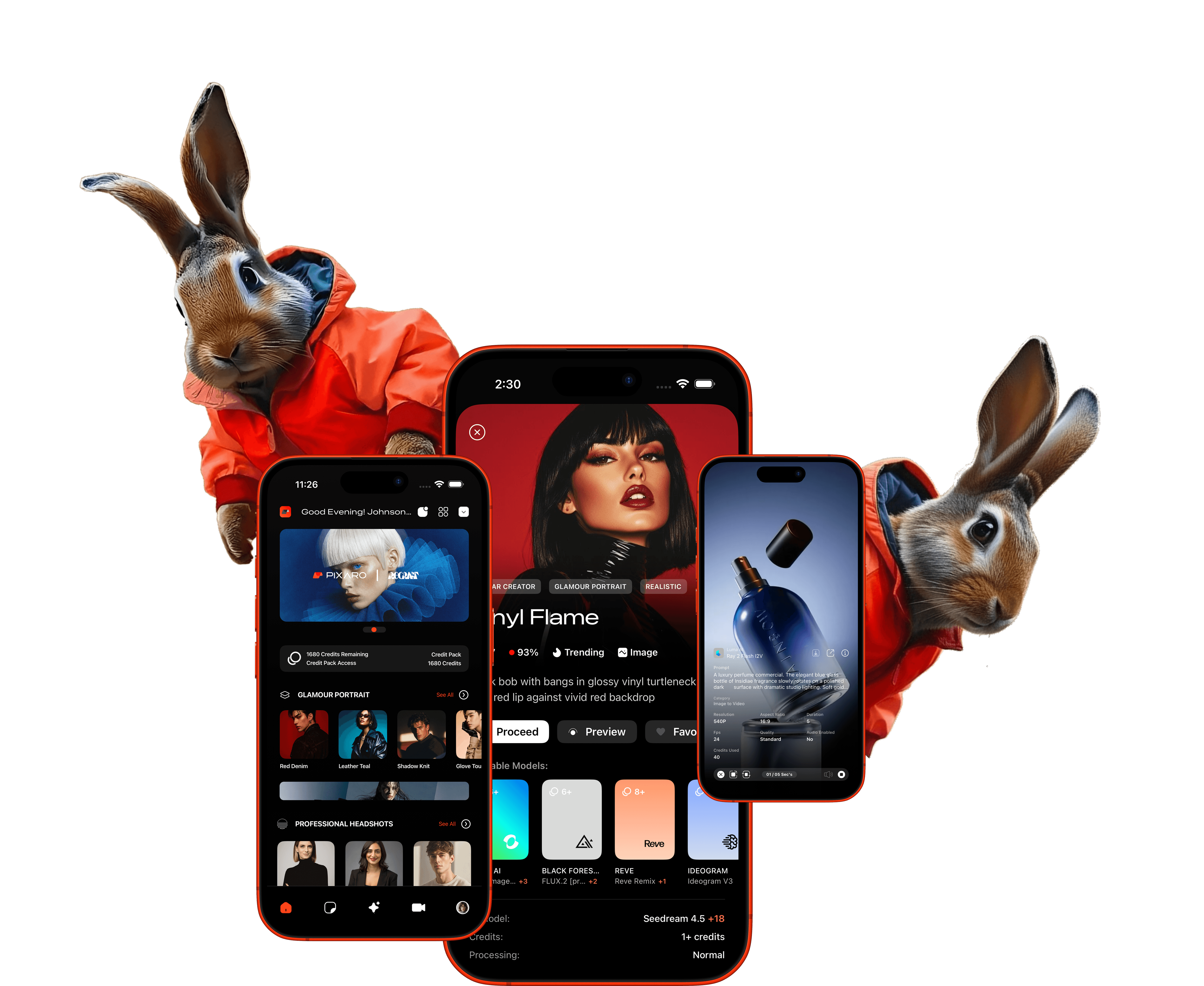















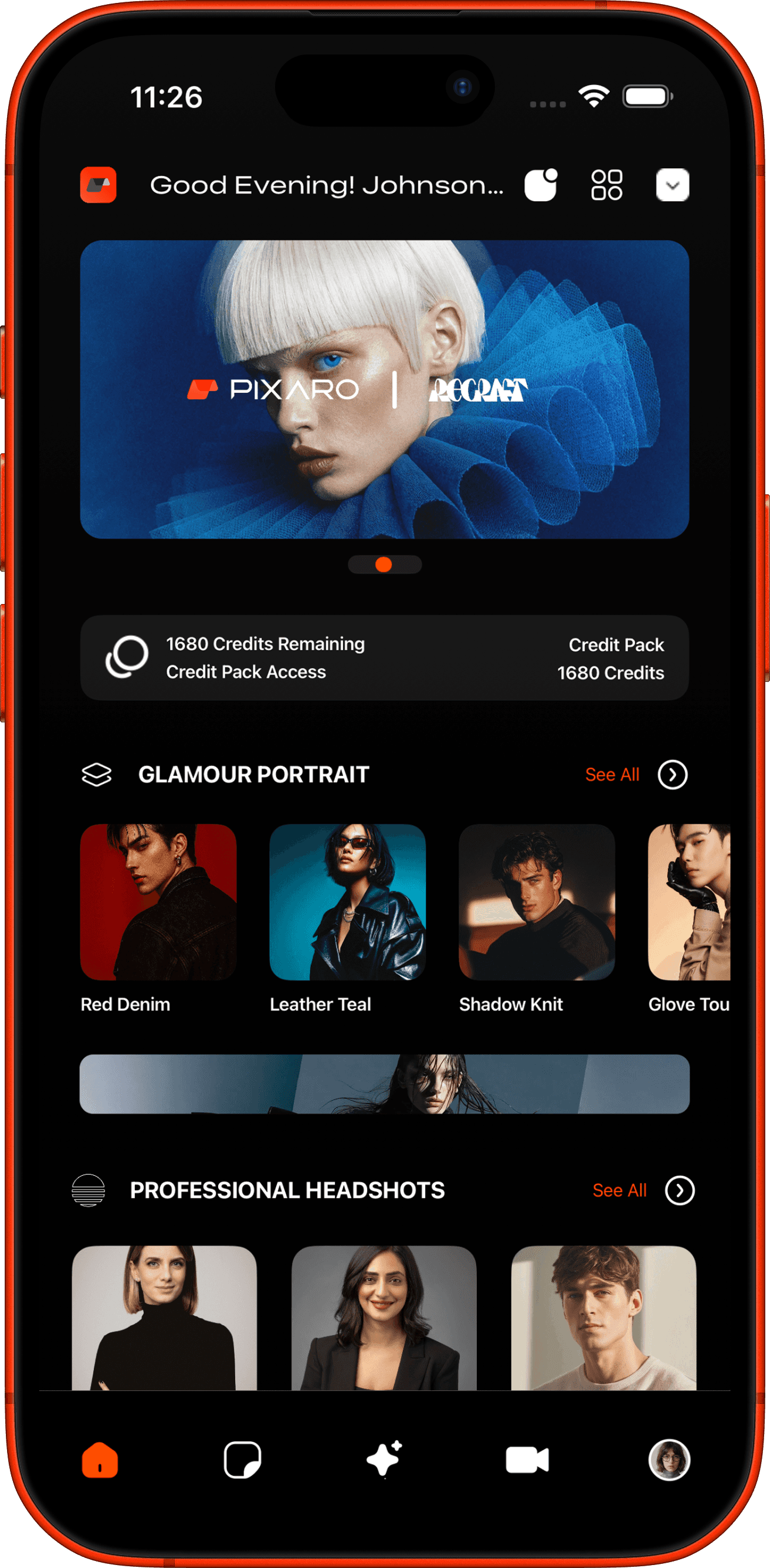
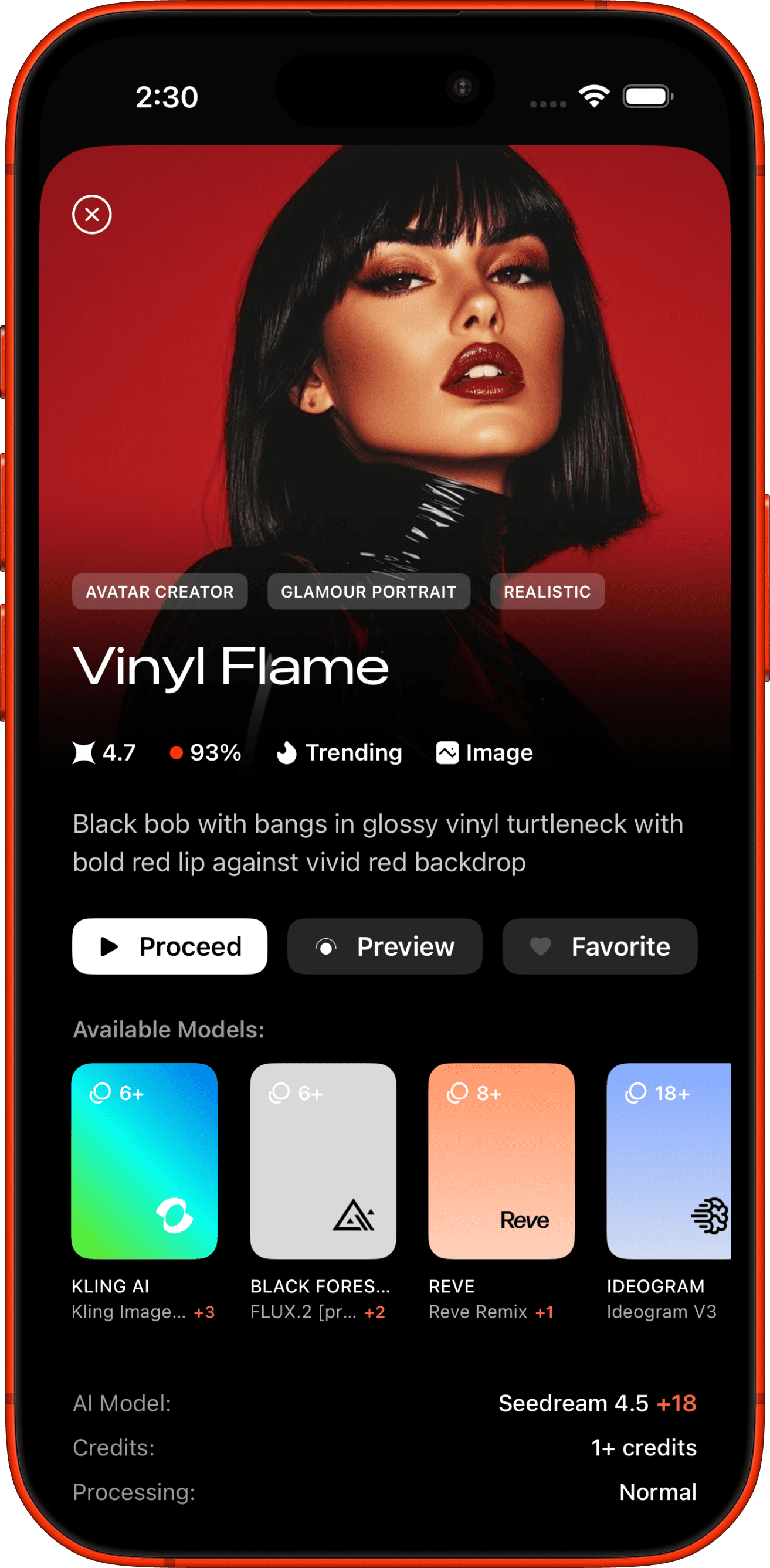
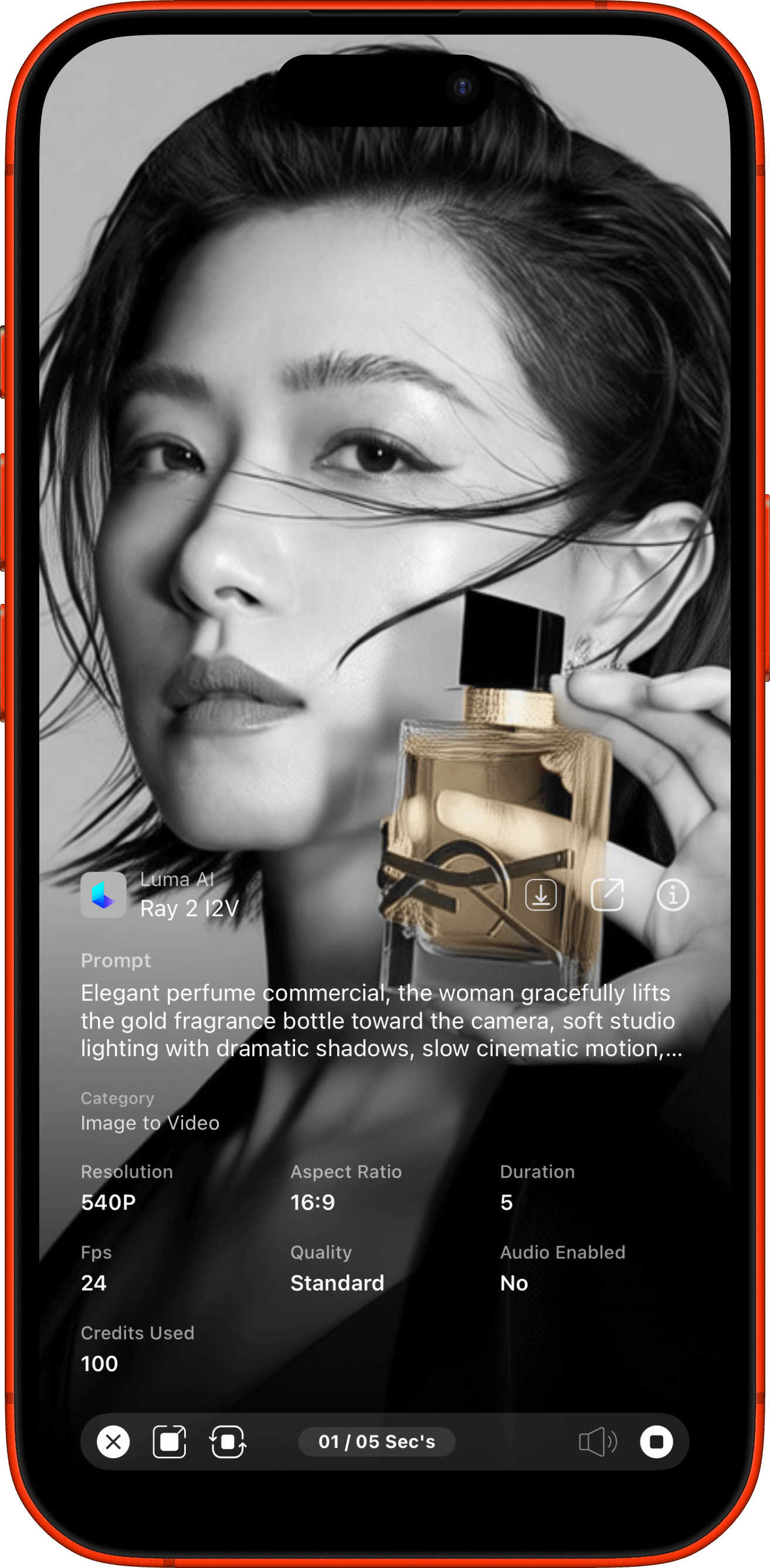
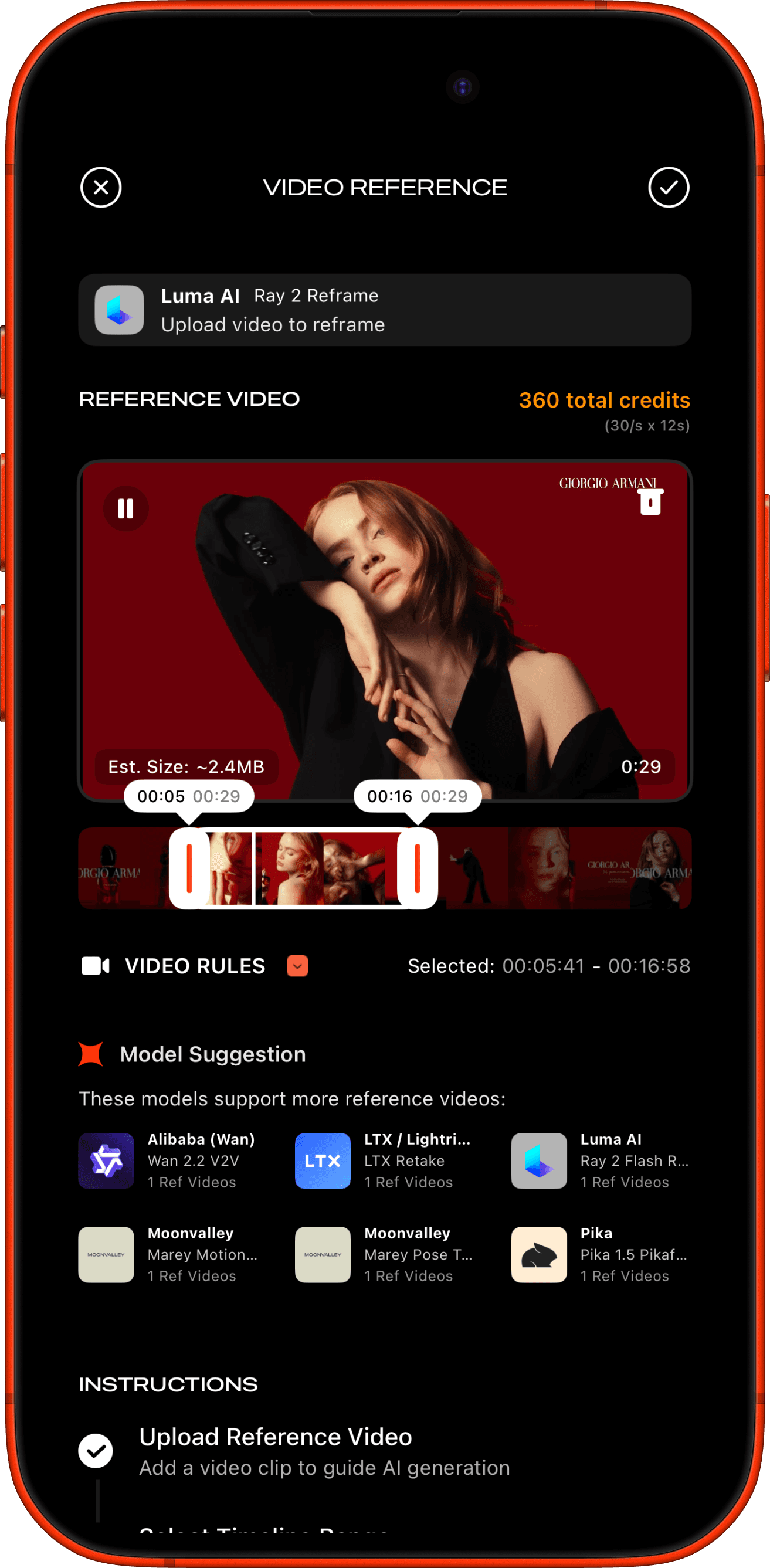
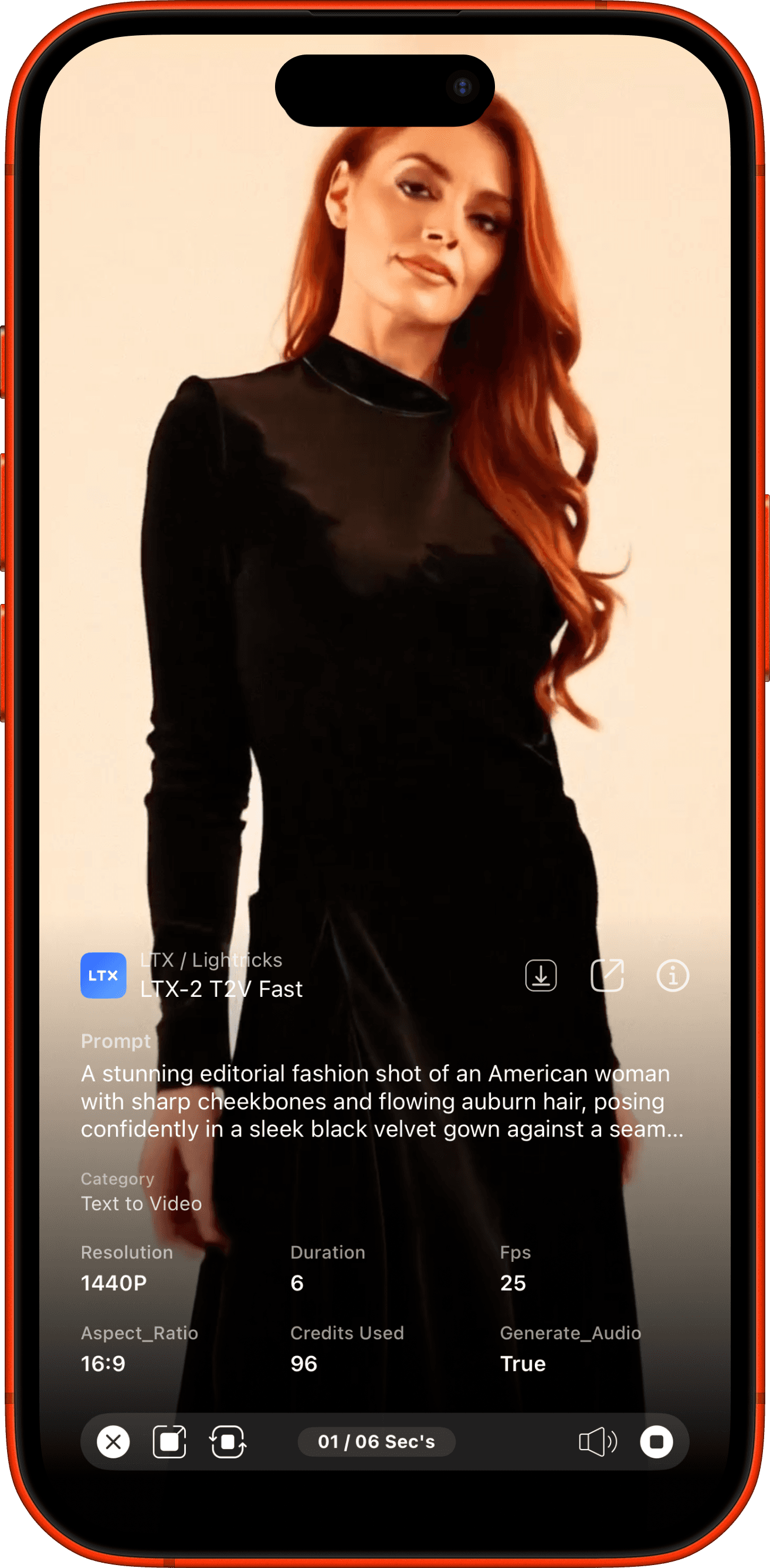
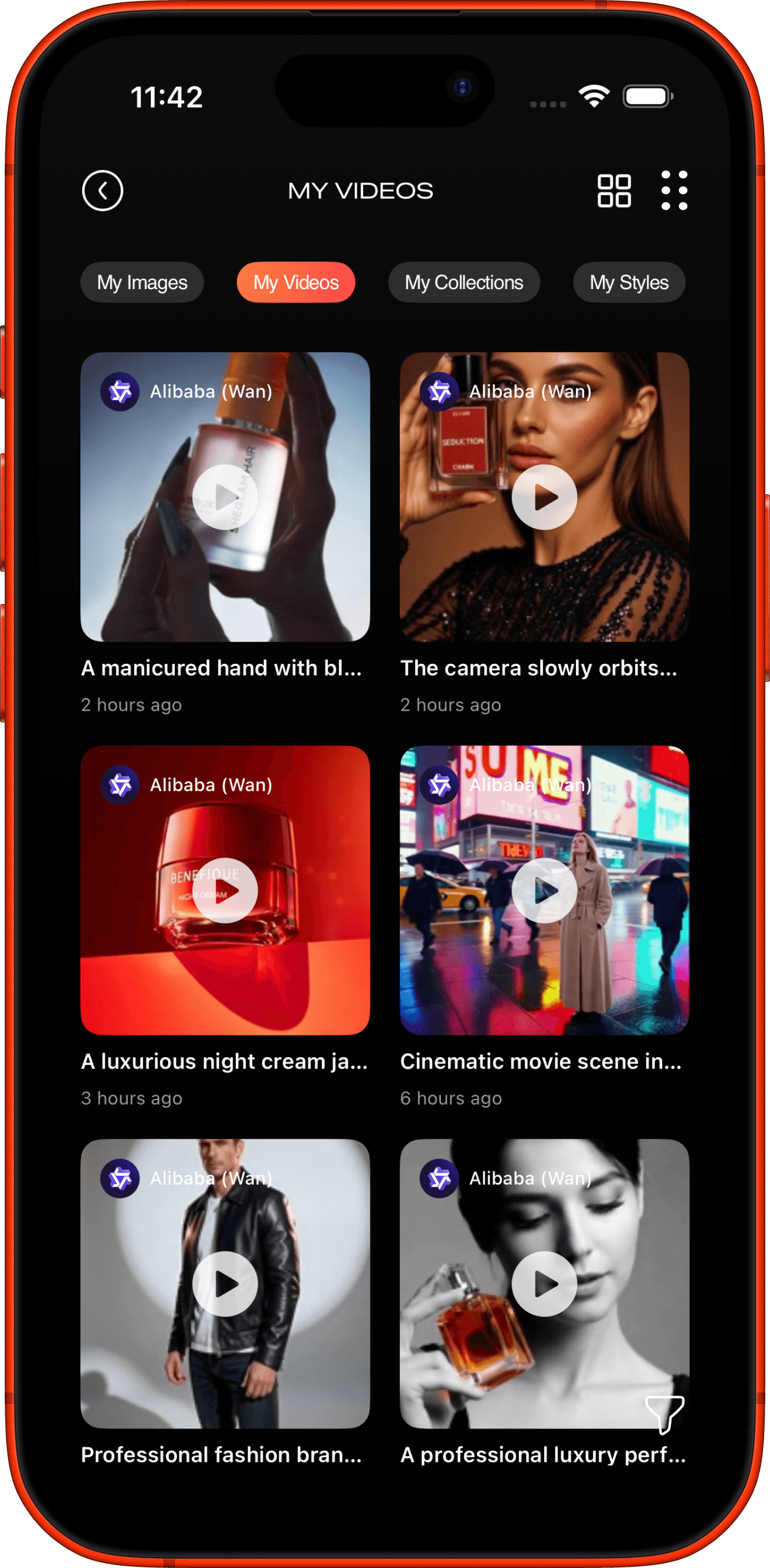
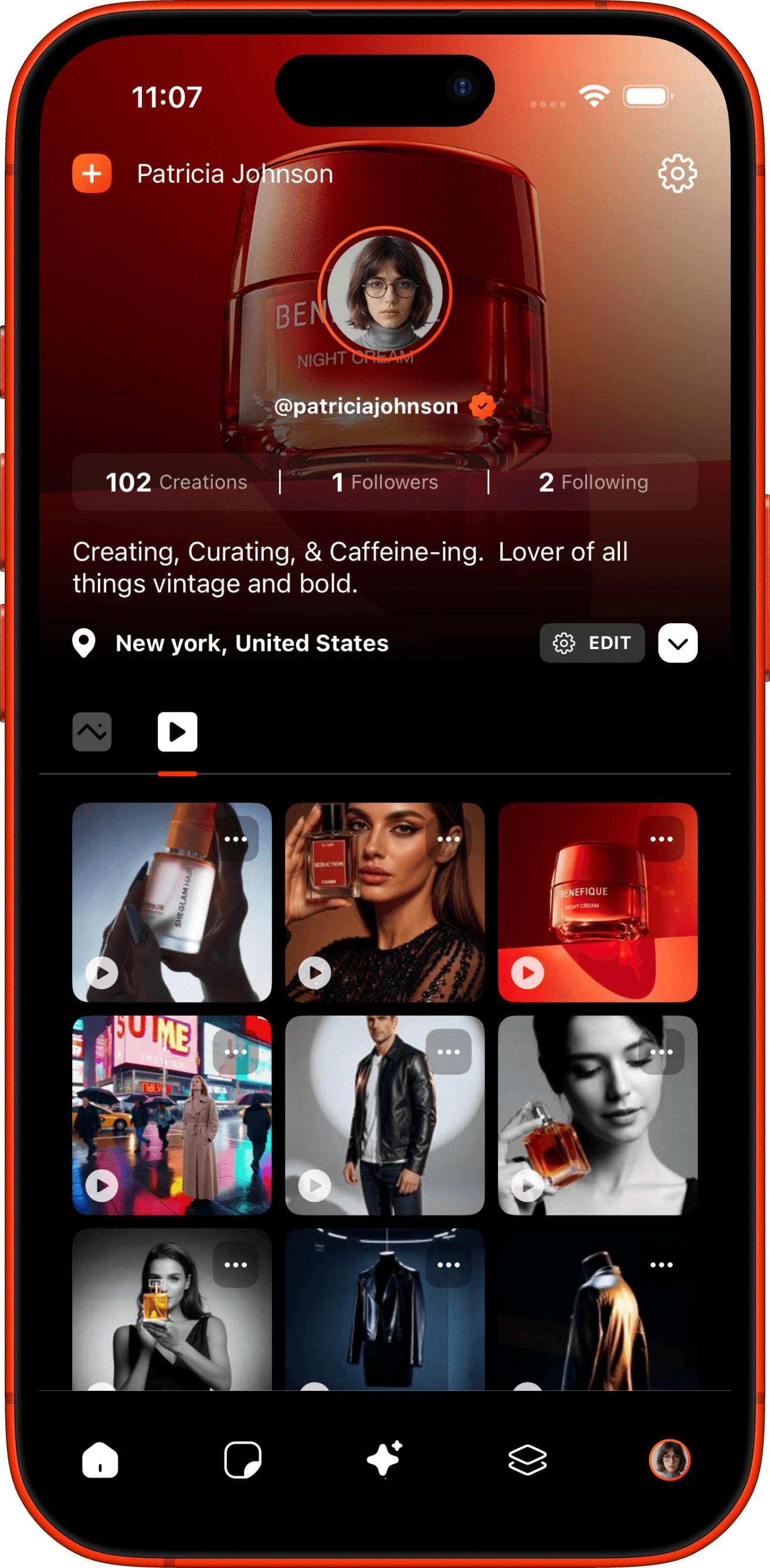
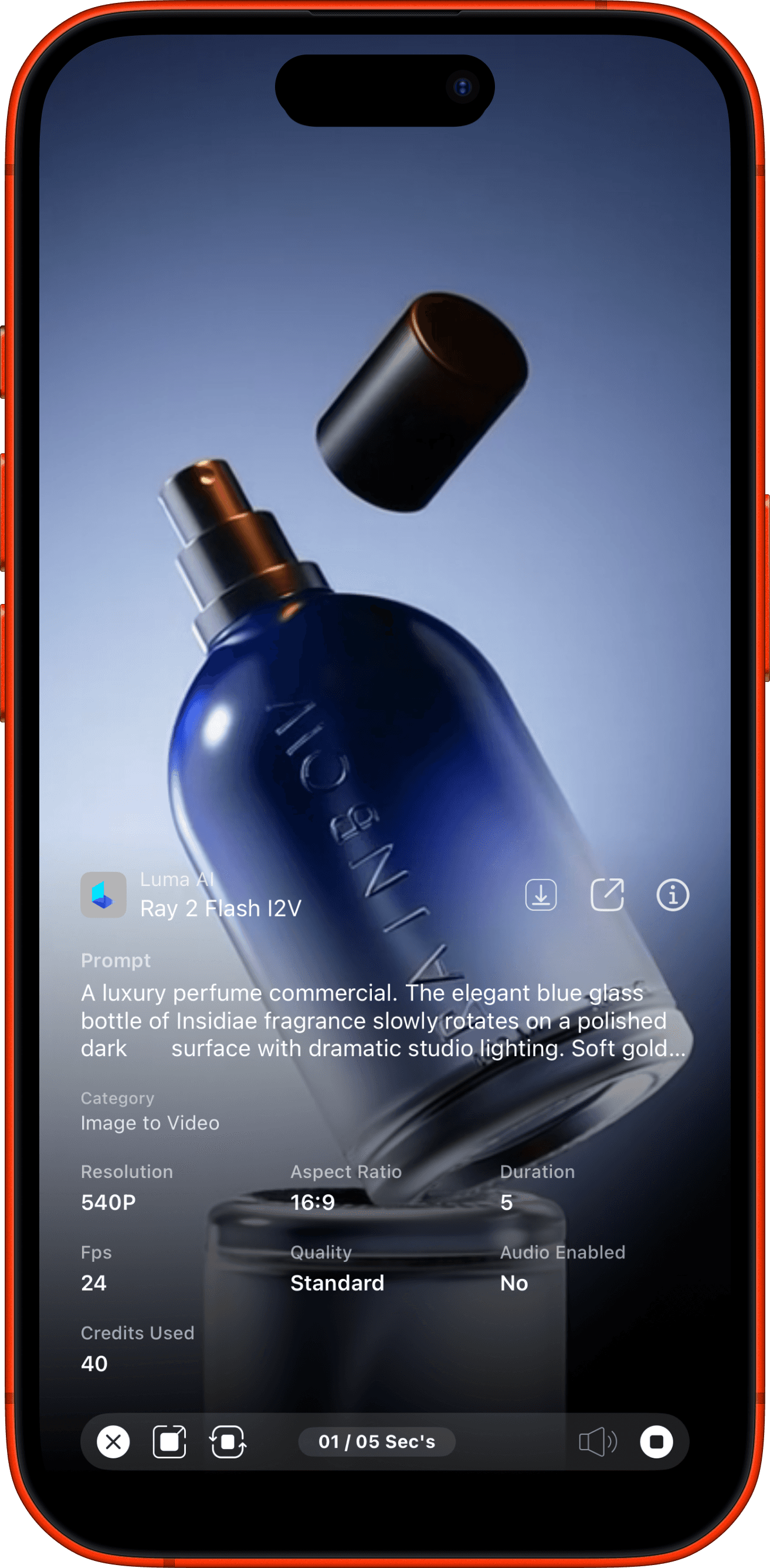

IMAGE / VIDEO MODELS
100














Features
Packed with Innovation.
Pixaro is packed with powerful AI models designed to bring your creative vision to life — images, videos, and beyond.













Create Anything You Imagine
From professional portraits to product photography — Pixaro's AI models bring every creative idea to life.







Pricing
Choose the plan that matches your workflow — no hidden fees, no surprises.
What is Pixaro?
Pixaro is an AI-powered image and video editing app for iOS that combines AI editing (powered by FLUX.1 API) with professional manual editing tools in a single unified interface. You can generate, transform, and enhance images using natural language prompts or use traditional hands-on tools — all in one app.

What devices and iOS versions are supported?
Pixaro requires iOS 16 or later and supports all iPhones and iPads running iOS/iPadOS 16+. The app is optimized for both portrait and landscape orientations, with tablet-specific layouts for iPad.
How is my data and privacy handled?
- Images and projects are stored securely on AWS S3 with encrypted access - Authentication data is managed by AWS Cognito - Analytics collection is optional — you can opt out during onboarding - You control content visibility (Private, Followers, or Public) with granular controls for prompts, technical details, and input images - The app is designed for GDPR and CCPA compliance - You can request deletion of your data at any time
Does Pixaro support video editing?
Pixaro includes video generation capabilities across 5 categories: Text-to-Video, Image-to-Video, Video-to-Video, Audio-to-Video, and Prompt-based Video. Multiple AI providers power video features including Luma AI, Kling AI, RunwayML, and others. Video generation consumes credits based on the model and duration selected.
How do I cancel my subscription or get a refund?
Pixaro subscriptions are managed through Apple In-App Purchases. To cancel: 1. Go to iPhone Settings → Apple ID → Subscriptions 2. Select Pixaro and tap Cancel Subscription Unused credits from the current billing period remain available until it ends. For refunds, contact Apple Support through the App Store, as all payments are processed by Apple.